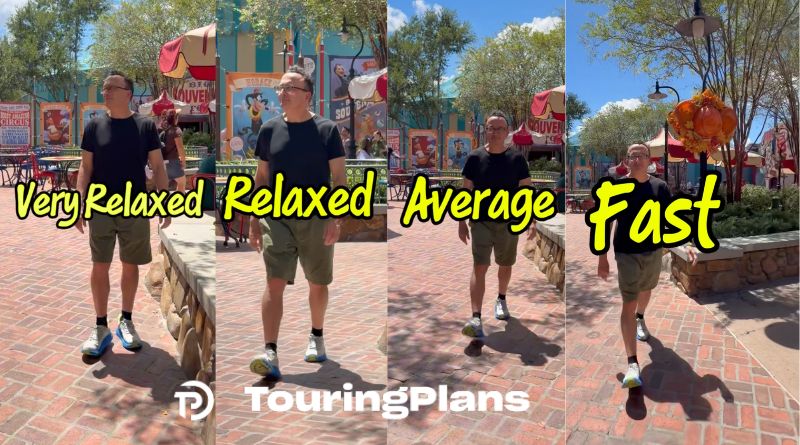
Users of the TouringPlans Lines app can now adjust their walking speed preferences when creating a touring plan. After selecting and copying a plan, visitors access the edit menu to configure start and stop times along with other settings like Early Entry information. One key customization option is the Walking Speed setting, which offers four distinct choices ranging from Very Relaxed to Fast. The app’s algorithm uses this preference to suggest appropriate attractions for the next stop in a visitor’s itinerary. For instance, a relaxed walker might avoid high-intensity rides immediately after lower-energy experiences during Early Entry periods. Conversely, fast walkers may be directed across parks to capitalize on shorter wait times that their speed allows them to exploit effectively. The development team encourages users to review video examples demonstrating how different walking speeds impact the suggested route.
Key Points:
- The TouringPlans Lines app allows users to adjust their walking speed when using a touring plan.
- There are four Walking Speed options available in the app’s edit menu after selecting and copying a plan.
- The algorithm considers walking speed preferences when suggesting the next attraction for visitors.